Turn any PDF dark.
Drop a PDF and get a night-friendly version you can read anywhere. Photographs stay photographs — nothing turns into a negative.
No account required. Preview free, then £0.99 per document.
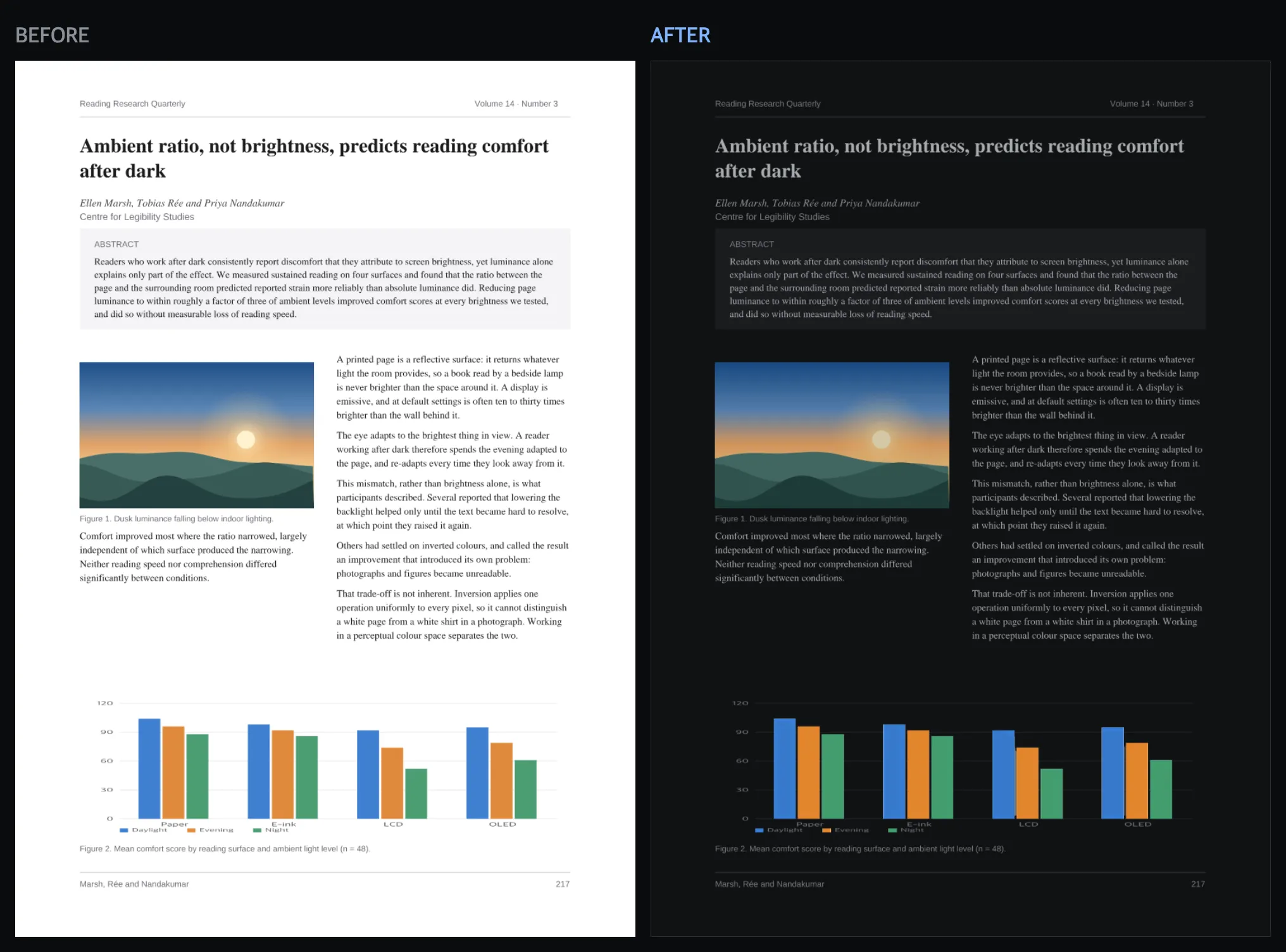
It reads like a book
Backgrounds become a deep neutral, body text becomes a warm light grey. Not a harsh inversion — a considered one.
Pictures survive
Photographs, charts and diagrams are detected and treated on their own terms, so your figures still mean what they meant.
It is still a PDF
Text stays selectable and searchable, links keep working and bookmarks stay put. Open it anywhere.
What happens to your file
Your PDF is uploaded over an encrypted connection so we can convert it, stored under a random name that means nothing to anyone, and deleted automatically — as soon as you download, and in any case within an hour. Nobody reads it, and nothing is used to train anything.
Questions
What do I actually get?
A new PDF file, with the same pages, in dark mode. You download it and keep it — it is not a viewer or a browser extension, so it works in Preview, Acrobat, iOS Files, Kindle apps and anywhere else you read.
Why not just use my browser or system dark mode?
Operating system and browser dark modes usually leave PDFs alone, or invert them wholesale so photographs come out as negatives. They also only apply while you are in that one app — the file itself is unchanged.
Do photographs get ruined?
No. Every image is classified before anything happens to it. Photographs keep their colours and are gently dimmed rather than inverted. Charts and diagrams keep their data colours while their white background goes dark. Scans of text get the full dark treatment, because that is what they are.
Is the text still selectable and searchable?
Yes. The converter rewrites the colour instructions inside the PDF rather than turning pages into pictures, so text, links and bookmarks survive. A small number of unusual pages fall back to an image-based conversion; on those we lay the original text back over the image invisibly, so you can still select and search it, and a screen reader still reads it. The one exception is a scan that never contained any text to begin with — there is nothing there to recover without running OCR.
Can I see it before I pay?
That is the whole point. You get a free preview of representative pages, produced by exactly the same converter and exactly the same settings as the file you would pay for. If it does not look good, do not buy it.
How much does it cost?
One document costs £0.99. It is a single payment, there is no subscription, and you do not need an account.